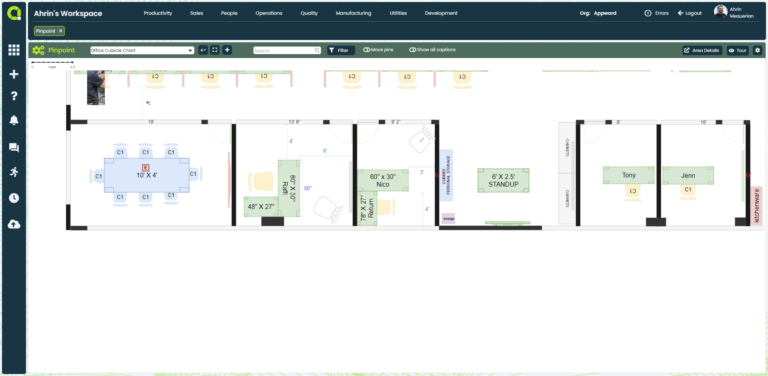
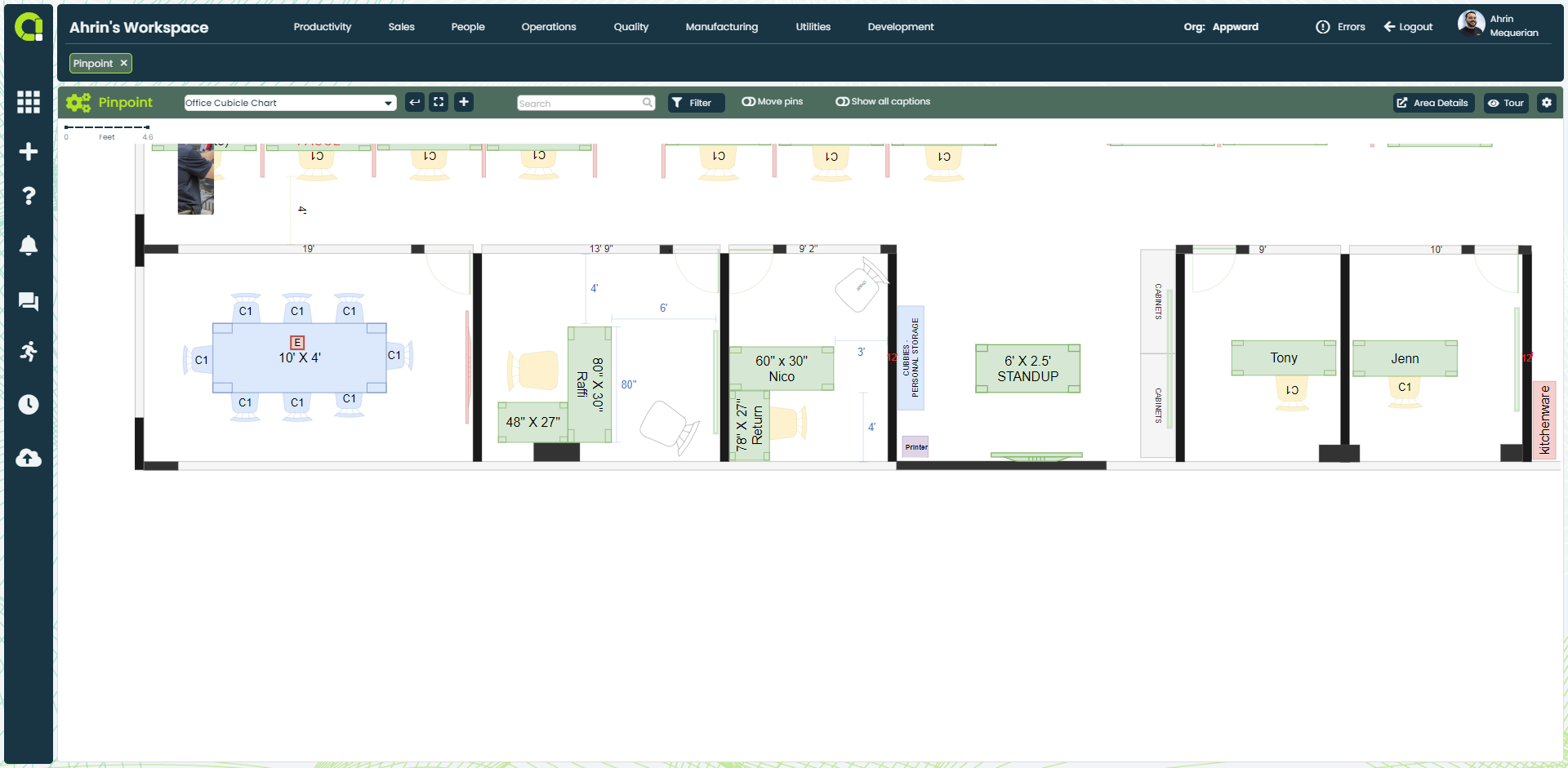
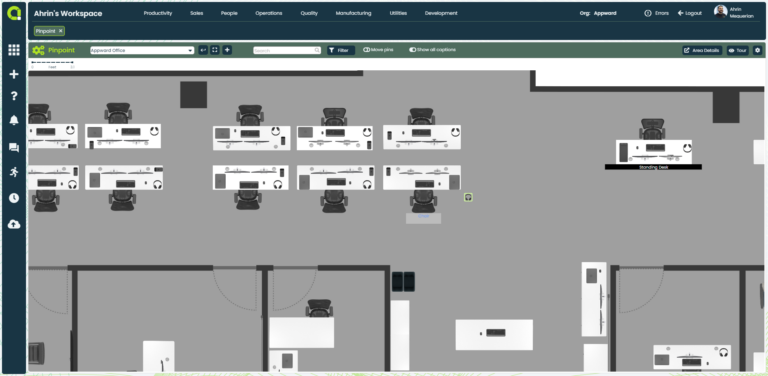
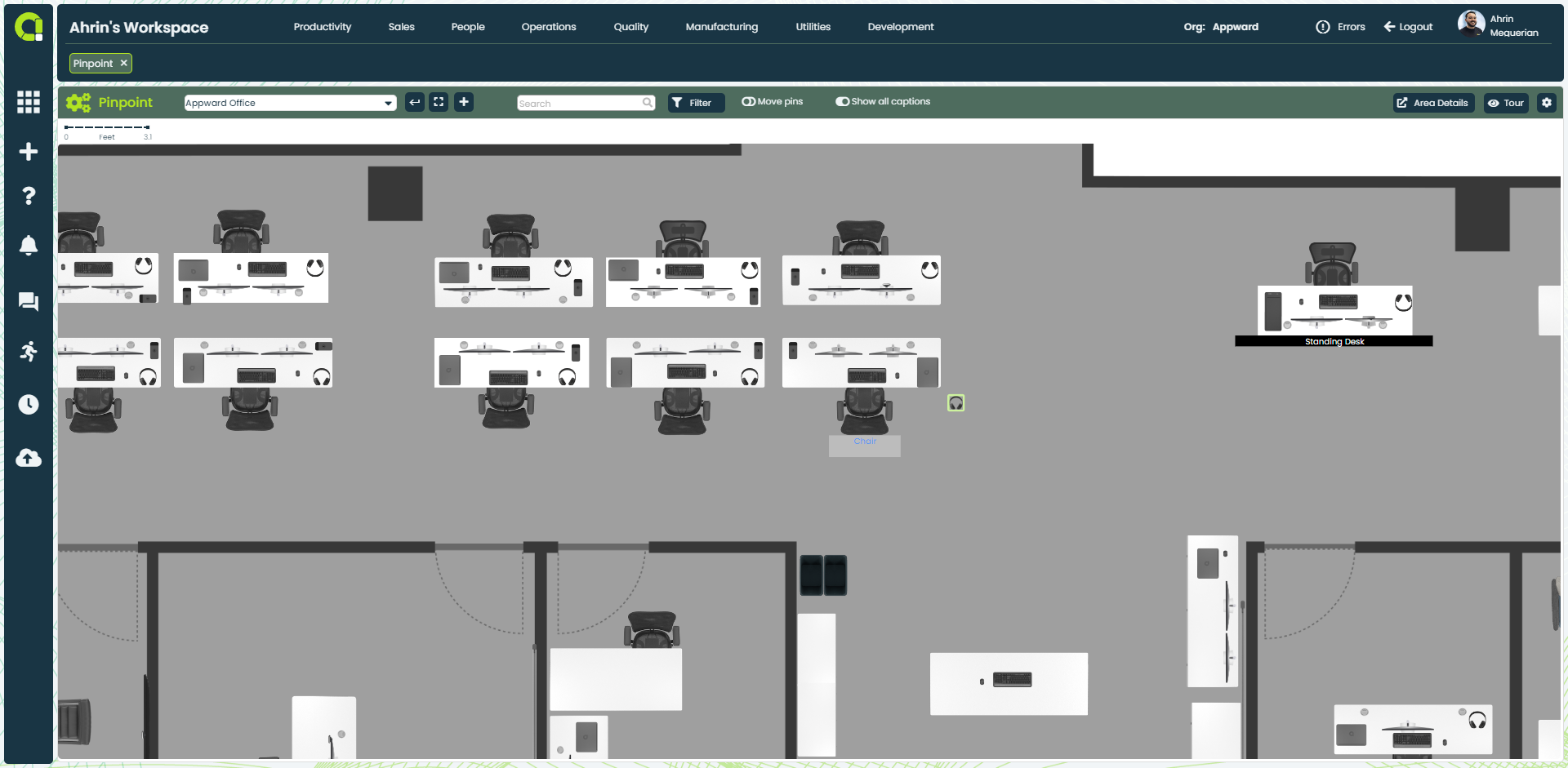
Map your organization to quickly locate projects and assets
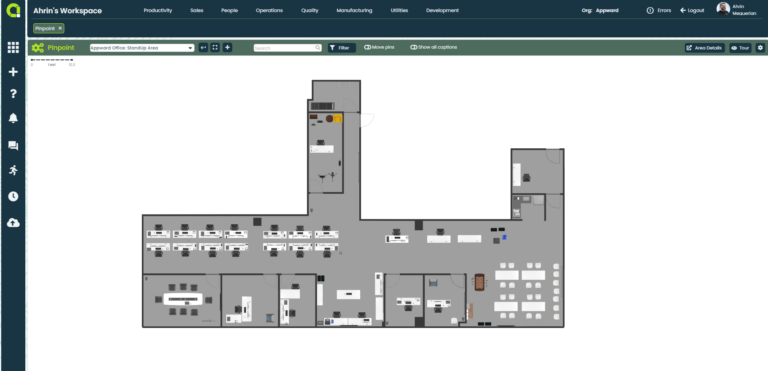
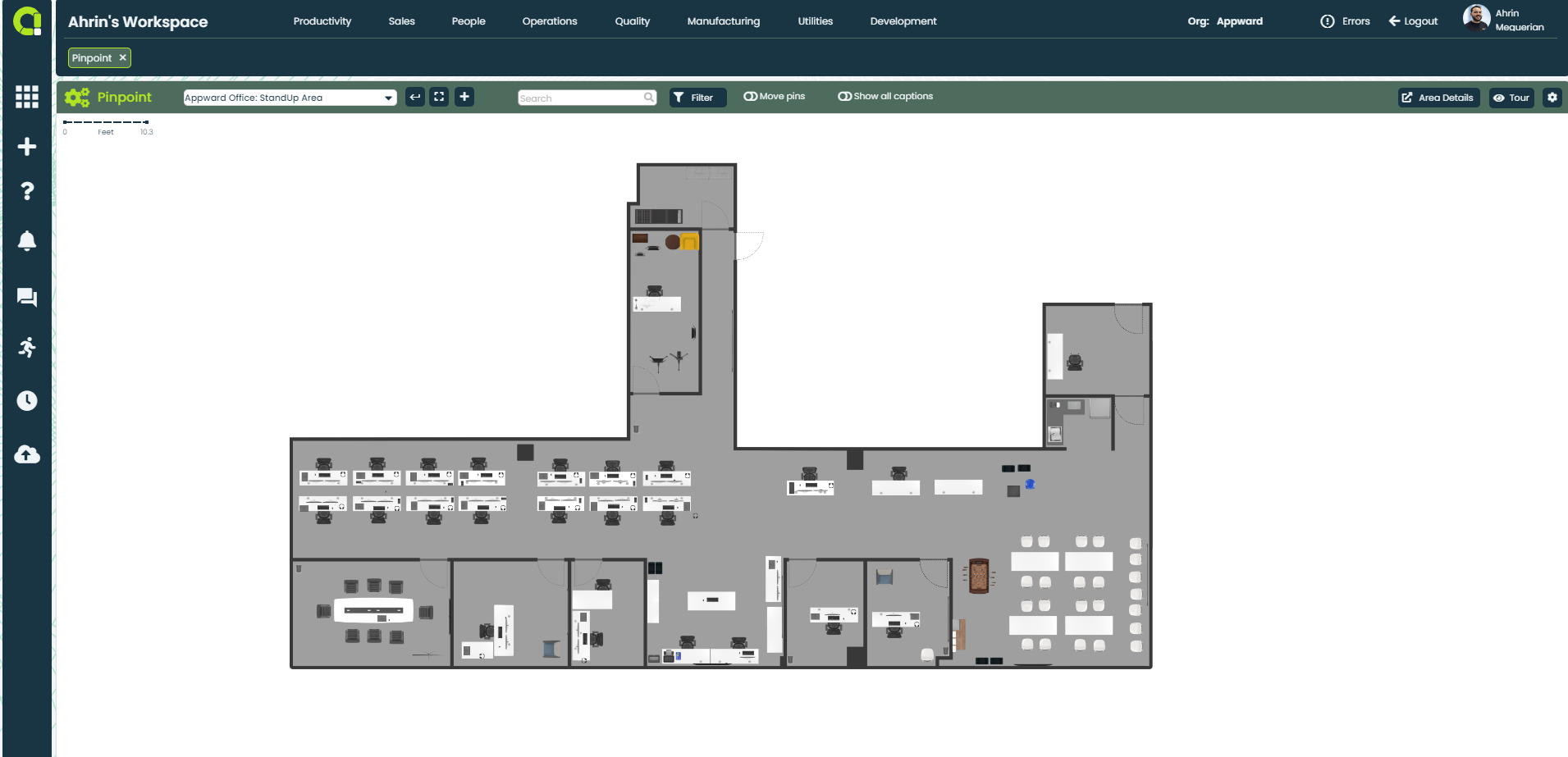
- Upload your business’s floorplans with any image file
- Assign visuals for each project and asset for quick reference
- Quickly search for employees, assets and projects for quick navigation
Allocate your resources on the fly with a single point and click
- Zoom in and out to focus on specific areas or projects
- Easily drag and drop icons on your floorplan to distribute resources and assign projects
- Click on any icon to identify the project, personnel or asset
Every detail linked together in a single window
- Instantly see who’s assigned to a work area or project
- Gather all the information your need with a single click
- View all other related pins associated with each project, asset and employee
Assign people and resources with ease
- Look up a particular work order, employee, or asset to identify where to find them
- Filter what you are looking for throughout all areas by pin or by type
- Employees can look for their daily assignments
Pinpoint App Features
- Upload any image file or pdf of your business’ facilities
- Have your floorplans fit to screen or stretch
- Determine the type of measurements: pixels, feet, inches, meters, centimeters, millimeters
- Input the area dimensions for accurate calculations
- Indicate smaller areas of a map for easy navigating
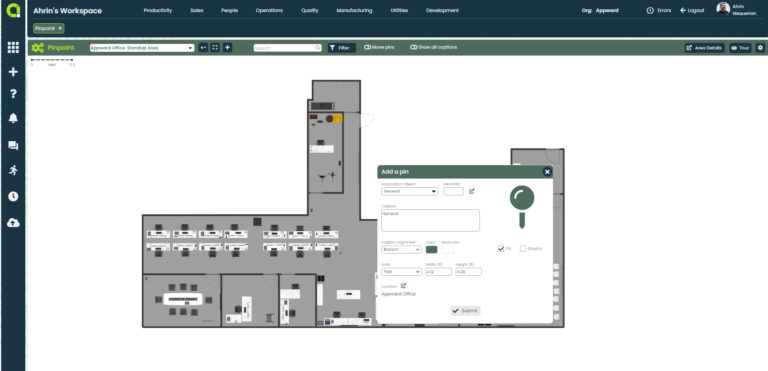
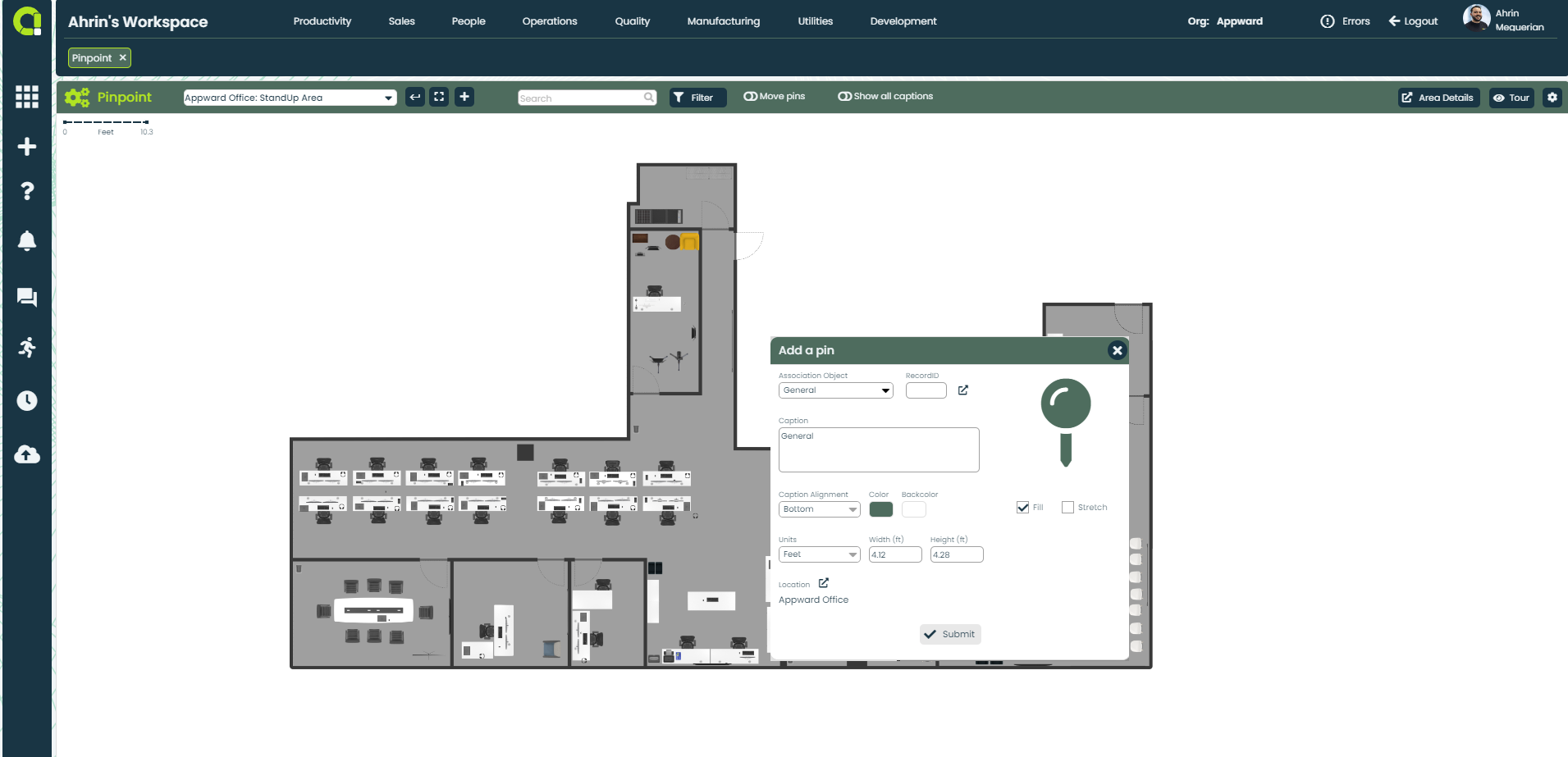
- Add pins to indicate placement of a project, contact, asset or employee
- Freely move pins to configure the right placement of each object
- Caption pins and display information to know exactly what a pin represents
- Click on each pin for in-depth details
- Search maps by type of asset, contact, employee or project
- Filter through a single floorplan or through all floorplans to quickly find what you’re looking for
Related apps
Pinpoint works seamlessly with Appward apps and services so you can do much more.